Brother Printers
 WhiteBoard
 IP PBXs





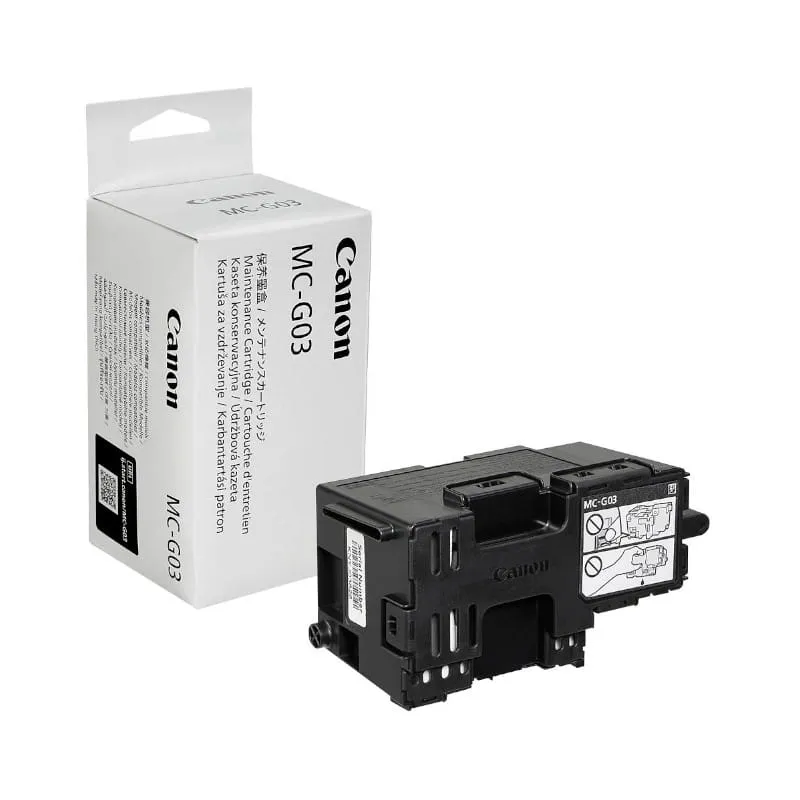
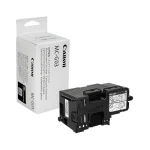

Canon MC-G03 Maintenance Box Cartridge
Key Features
Brand: Canon
Absorbs waste ink effectively
Tool-free user replacement
Compatible with G series MegaTank
Prevents internal overflow
Printer alerts for timely change
Canon MC-G03 Maintenance Cartridge
The Canon MC-G03 Maintenance Cartridge is a critical, user-replaceable component designed specifically for high-volume Canon MAXIFY and PIXMA MegaTank printers. This cartridge acts as a waste ink reservoir, capturing the excess ink used during printhead cleaning cycles and routine startup operations.
Core Functions and Benefits
- Ink Management : It effectively collects residual ink to prevent internal buildup, which helps avoid printer clogs and smudges
- System Protection : By managing waste ink, the MC-G03 protects delicate internal printer components from potential overflow and damage.
- Consistent Output : Utilizing a genuine maintenance cartridge ensures the printer continues to deliver sharp text and vibrant graphics without interruption.
- User-Replaceable Design : The cartridge is engineered for easy, tool-free replacement by the user, significantly reducing the need for technical service and minimizing downtime
Technical Specifications and Compatibility
- Ink Type : Designed to work with printers using pigment-based inks.
- age (Letter/A4), though standard estimates for some variants may be lower.
- Compatible Printer Models :
- MAXIFY GX Series : GX3010, GX3020, GX3040, GX3050, GX3060, GX3070, GX4010, GX4020, GX4030, GX4040, GX4050, GX4060, GX4070, and GX7020.
- PIXMA Series : G3030 series and other select MegaTank models.
Step-by-Step Replacement Instructions
When the printer’s LCD screen notifies you that the maintenance cartridge is full, follow these steps to replace it:
- Preparation : Ensure the printer is powered off.
- Access : Use a coin to loosen and remove the screw from the maintenance cover on the printer
- Removal : Put your finger in the hole of the cover to remove it, then pull out the old maintenance cartridge until it stops. Lift it slightly and pull it all the way out.
- Disposal : Immediately place the used cartridge into the plastic bag provided with the new unit. Seal it tightly and keep it level to prevent ink leaks.
- Installation : Slide the new MC-G03 maintenance cartridge straight into the slot until it stops firmly.
- Secure : Reattach the maintenance cover, align its tabs, and tighten the coin screw clockwise to secure it.
Comparison: MC-G03 vs. MC-G04
While both serve similar functions, they are designed for different printer lines:
- MC-G03 : Specifically for the MAXIFY MegaTank line (e.g., GX3020, GX4020).
- MC-G04 : Targeted toward PIXMA MegaTank G-series printers, such as the G1230, G2270, and G3270. (Note: You previously purchased a Canon Pixma G2430 , which specifically requires the MC-G04 cartridge rather than the MC-G0