Brother Printers
 WhiteBoard
 IP PBXs





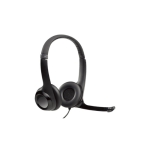
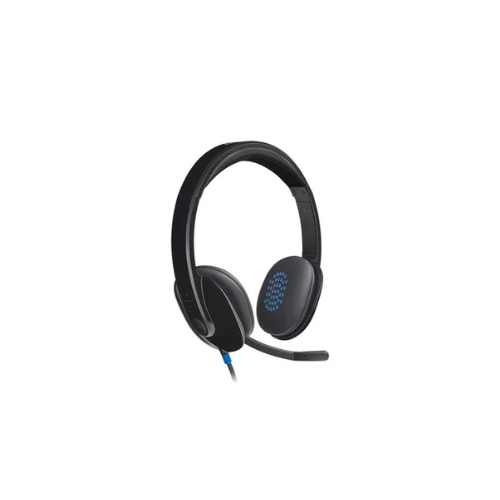

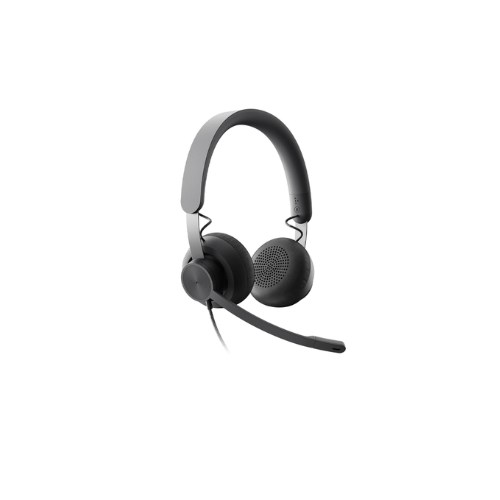
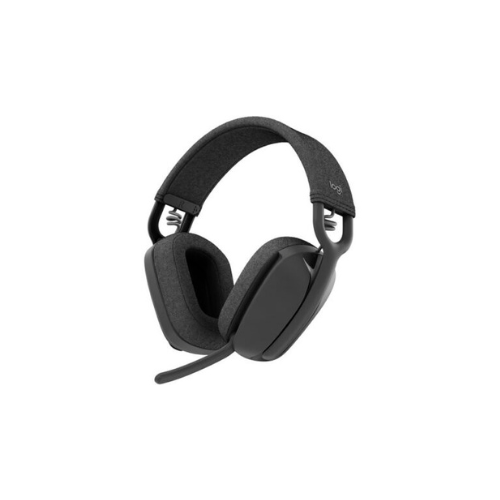
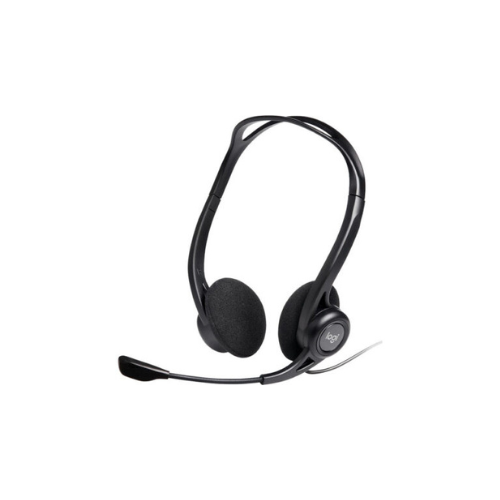
Logitech H540 USB Headset (981-000480)
Key Features
Brand:Logitech
Microphone Type: Bi-directional
Input Impedance: 20 Ohms
Frequency response (Headset): 20 Hz – 20 KHz
Frequency response (Microphone): 100 Hz – 16 KHz
1 Year Warranty
Logitech H540 USB-A Headset with Noise Cancelling Mic: Ultimate High-Speed Professional Guide
The Logitech H540 USB-A Headset with Noise Cancelling Mic is a powerhouse in the professional corporate communication, high-definition multimedia, and enterprise customer service market . This high-performance digital headset eliminates analog line static while delivering crisp, clean audio for virtual boardrooms, remote presentations, and interactive multimedia production. It serves as a reliable, heavy-duty solution designed to streamline digital communication data, multi-platform voice tracking, and high-frequency calls for organizations of all sizes. By utilizing advanced engineering, this flexible machine helps companies boost daily productivity, reduce administrative downtime, and maintain a highly organized workspace. Modern workplaces rely on this hardware to eliminate communication bottlenecks and automate call clarity isolation tasks. Its robust build quality ensures it handles high-volume communication cycles without dropping signals or experiencing performance drops. Businesses looking to scale their digital workstation infrastructure find this device to be an indispensable asset for daily processing production.
Key Technical Specifications
Understanding the hardware capabilities helps you maximize your investment. The device balances premium audio clarity with accessible system status indicators.
- Audio Interface : High-speed USB-A plug-and-play digital connection
- Sound Output : Laser-tuned dynamic drivers with built-in electronic equalizer processing
- Microphone Architecture : Adjustable noise-cancelling boom microphone with directional pickup
- On-Ear Controls : Integrated ear-cup buttons for rapid volume adjustment and microphone muting
- Status Indicator : Bright on-cable LED light matrix for instant visual mute confirmation
- Headband Design : Fully adjustable padded leatherette headband with deep comfort ear cushions
Top Features and Business Benefits
Laser-Tuned Premium Audio Performance
The Logitech advanced internal driver tuning and digital equalization technology mean you never experience the analog hum, buzz, or muddy distortion common with standard entry-level headsets. It translates complex digital audio signals and processes vocal tones at lightning speeds, keeping your communication or training pipeline moving without delays
Advanced Noise-Cancelling Microphone
The Logitech built-in directional microphone allows you to filter out disruptive ambient office chatter, keyboard clicks, and background noise completely. You can maximize your daily call accuracy comfortably without being tethered to static mic positions, as the flexible boom moves aside easily and hides inside the headband when not in use.
Integrated On-Ear Command Controls
The built-in ear-cup controls allow you to adjust your audio settings directly from the hardware chassis. You can modify system volume levels or activate the instant microphone mute switch instantly without being tethered to inline cord modules, software menus, or keyboard shortcuts.
On-Cable Visual Mute Indicator
Using specific light-emitting diode engineering, a dedicated on-cable indicator strip glows bright red when the microphone is muted. This is ideal for highlighting critical operational status, preventing awkward broadcast errors during calls, and streamlining high-frequency multi-tasking workflows.
Simple Step-by-Step Setup Guide
Follow these steps to get your professional digital headset running quickly.
Step 1: Unpack and Adjust the Frame
Remove all protective packaging wraps and cable ties from the product box. Extend the adjustable padded headband slides symmetrically on both sides to match your physical head shape profile comfortably.
Step 2: Position the Microphone Boom
Rotate the adjustable microphone arm down from its integrated headband storage slot. Shape the flexible arm layout to position the microphone capsule roughly one inch away from the side of your mouth to prevent breath distortion.
Step 3: Connect the USB Interface
Insert the integrated USB-A male connector directly into an open, high-speed USB port on your desktop computer tower, laptop station, or compatible office phone hub.
Step 4: Configure Operating System Settings
Turn on your machine and wait for the automated plug-and-play driver registration to finalize. Access your computer sound manager dashboard and select the USB headset as the default communication device to complete the device recognition process.
Effective Troubleshooting and Maintenance
Keep your machine operating at peak performance with basic maintenance habits.
Resolving Device Detection Jams
Turn off the power or unplug the hardware immediately if your operating system fails to register the audio stream. Switch the device connection to a different USB port directly on the motherboard to clear frozen system driver blocks.
Fixing Ear-Cup Button Cutout Drops
If you experience unexpected volume adjustment or microphone audio drops, inspect your host communication application settings. Verify that the application has granted hardware control permissions to the USB card and check that the app volume slider is pushed upward to refresh the system buffer.