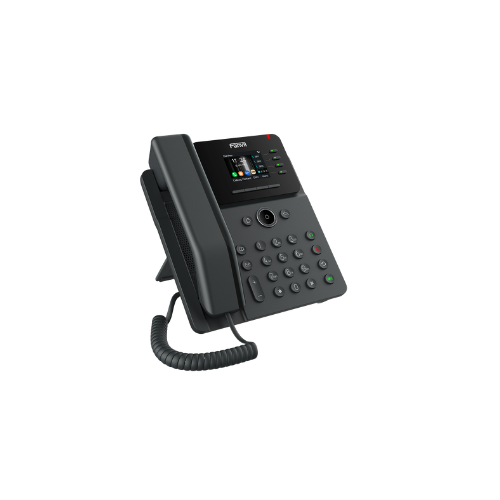
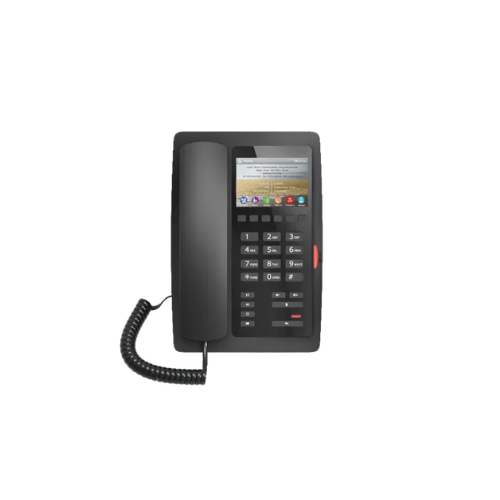
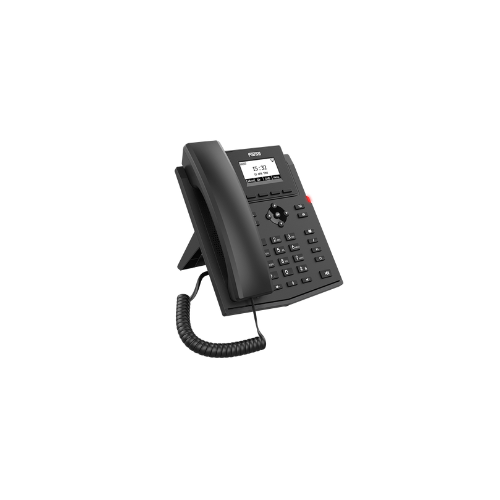
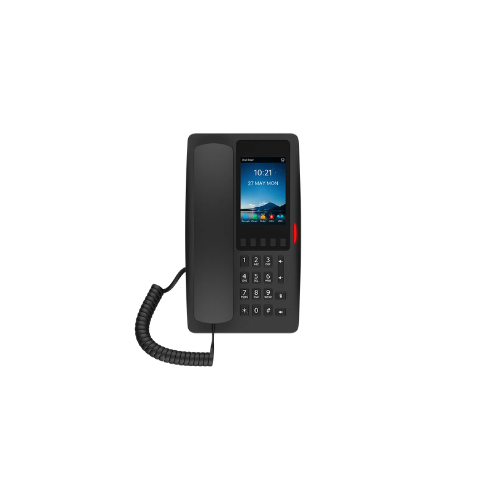
Grandstream GRP2615 IP Phone

Grandstream GRP2615 IP Phone
Key Features
Brand: Grandstream
4.3″ Color LCD Screen-
HD audio, handset, and speakerphone with support for wide-band audio
10 line keys with up to 16 SIP accounts
40 built-in digital BLF keys; available extension module offers 40 BLF/speed-dial keys per module[GBX20]
Enterprise-level protection including secure boot, dual firmware images, and encrypted data storage
integrated dual-band Wi-Fi 802.11 a/b/g/n/ac (2.4Ghz & 5Ghz)
Dual switched auto-sensing 10/100/1000 Mbps Gigabit Ethernet ports with integrated PoE
Swappable faceplates to allow for easy logo customization
Integrated Bluetooth
4.3″ Color LCD extension module
Support for G7.29A/B, G.711µ/a-law, G.726, G.722(wide-band), G723, iLBC, OPUS, in-band and out-of-band DTMF(in audio, RFC2833, SIP INFO)
Layer 2 QoS (802.1Q, 802.1P) and Layer 3 (ToS, DiffServ, MPLS) QoS
1 Year Warranty

KSh 16,000.00

Guaranteed Safe Checkout

Features & Compatibility

Grandstream GRP2615 IP Phone

Key Features
Brand: Grandstream
4.3″ Color LCD Screen-
HD audio, handset, and speakerphone with support for wide-band audio
10 line keys with up to 16 SIP accounts
40 built-in digital BLF keys; available extension module offers 40 BLF/speed-dial keys per module[GBX20]
Enterprise-level protection including secure boot, dual firmware images, and encrypted data storage
integrated dual-band Wi-Fi 802.11 a/b/g/n/ac (2.4Ghz & 5Ghz)
Dual switched auto-sensing 10/100/1000 Mbps Gigabit Ethernet ports with integrated PoE
Swappable faceplates to allow for easy logo customization
Integrated Bluetooth
4.3″ Color LCD extension module
Support for G7.29A/B, G.711µ/a-law, G.726, G.722(wide-band), G723, iLBC, OPUS, in-band and out-of-band DTMF(in audio, RFC2833, SIP INFO)
Layer 2 QoS (802.1Q, 802.1P) and Layer 3 (ToS, DiffServ, MPLS) QoS
1 Year Warranty

Grandstream GRP2615 IP Phone Review and Technical Overview

The Grandstream GRP2615 is an executive-grade carrier-class IP phone designed for high-volume call environments, corporate managers, and administrative assistants. Featuring built-in dual-band Wi-Fi, integrated Bluetooth, and a large color display screen, this multi-line phone streamlines workplace connectivity and enterprise communications. This comprehensive guide details core product features, hardware specifications, and system installation steps. 
Premium Design and Key Features
High Resolution Color Display Screen 
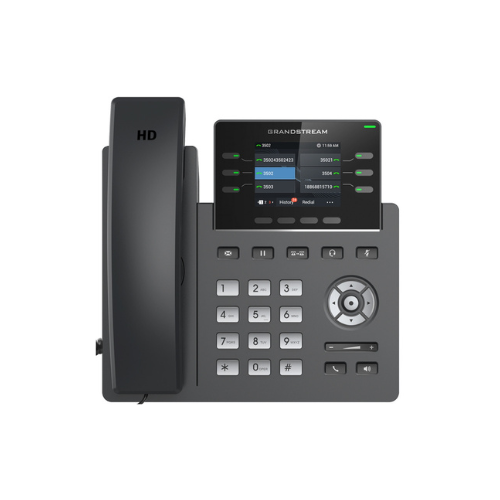
The phone incorporates a large 4.3 inch liquid crystal color display panel. This screen provides clear visual navigation, vibrant menu graphics, and customizable digital wallpapers. The interface cleanly presents caller identification, phonebook contacts, call logs, and line status monitoring details to help users manage incoming office traffic.
Executive Line and Call Handling Capacity
Engineered for busy professionals, the Grandstream device supports ten physical line keys and up to five distinct Session Initiation Protocol accounts. Digital multi-purpose keys wrap around the color screen, allowing users to configure up to forty virtual speed dial buttons or busy lamp field indicators across multiple page screens without requiring physical side extension modules
Integrated Bluetooth and Wi-Fi Wireless Modules
Unlike basic desktop office phones that require strict wired routing, this Grandstream phone offers built-in dual-band wireless networking hardware. Users can connect the phone to enterprise Wi-Fi networks where Ethernet wall drops are unavailable. Integrated Bluetooth hardware allows wireless synchronization with wireless headsets and mobile phone contact lists
Next Generation Voice Quality and Audio Security
The Grandstream phone housing incorporates full high-definition speaker and handset elements that support wideband audio codecs. Built-in noise shield technology minimizes background office chatter and keyboard click sounds during active calls. The carrier-class firmware features secure boot, dual firmware images, and encrypted data storage to defend against network vulnerabilities.
Technical Specifications
Display Screen: 4.3 Inch Color Liquid Crystal Display
Line Keys: 10 Physical Keys with up to 40 Virtual Keys
SIP Accounts: 5 Concurrent Session Initiation Protocol Accounts
Wireless Interfaces: Integrated Dual Band Wi-Fi and Bluetooth 5.0
Network Ports: Dual Switched Auto Sensing 10/100/1000 Mbps Gigabit Ports
Power Hardware: Integrated Power over Ethernet Support
Audio Codecs: Wideband G.722, Opus, Narrowband G.711, G.729AB
Device Management: Unified Grandstream Device Management System Cloud Provisioning 
Step-by-Step Installation Guide
Hardware Assembly and Placement
    1. Attach the phone stand to the slots on the bottom of the phone casing, selecting either the high or low angle position slot.
    2. Connect the coiled handset cord to the phone jack marked with a physical handset icon.
    3. Plug the remaining end of the coiled cable securely into the bottom base socket of the handset.
    4. If mounting the phone to an office partition wall, slide an optional plastic wall mount bracket onto the back panel slots.

Network and Power Configuration
Method A: Wired Network with Power over Ethernet 
  1. Connect a standard Ethernet network cable from an active wall jack or network switch to the LAN port on the back of the phone.
  2. The phone will automatically draw electrical operating power directly from the network cable if your office uses a Power over Ethernet switch. 
  3. The screen will light up and begin the system boot cycle immediately upon sensing network power.
  4. Pass your local wired network signal through to a desktop computer terminal by linking a second Ethernet cable from the phone PC port to your computer tower
Additional information